Sparky the robot and hotel tech: how deliveries, mobile ordering and mobile check-in work
At Astra Hotel, Seattle, an autonomous robot named Sparky delivers snacks and amenities to room doors while guests use the Marriott Bonvoy app for mobile check-in/check-out and mobile ordering for pickup at Otium Grill & Greens. Mobile ordering places items for quick pickup at a designated stand inside Otium; mobile check-in lets you confirm arrival time, view room details, and use digital key features when available.
In this guide
How Sparky the robot works at Astra Hotel, Seattle
Sparky is an autonomous delivery robot the hotel uses to bring snacks, beverages and small guest amenities directly to guestroom doors. It follows programmed routes between the lobby service area and the guest floors, delivering sealed items left at the door.
When Sparky arrives, hotel staff verify the delivery and place the items at your door; guests retrieve their order after staff notification. The robot handles items that fit in its delivery compartment; larger or hot food items are handled by Otium staff for pickup instead.
- Purpose: snacks, beverages, toiletries and small amenity deliveries
- Access: Sparky operates between lobby/service areas and guestroom corridors
- Staff role: hotel staff monitor and assist with final handoff for hygiene and safety
| What Sparky can deliver | What it won’t deliver |
|---|---|
| Packaged snacks, bottled beverages, amenity kits | Hot plated meals or items requiring warming |
| Toiletries, small retail items | Large luggage, oversized or fragile packages |
| Sealed items placed in delivery bay | Alcohol deliveries are handled per hotel policy by staff |
Mobile ordering for food and pickup
Astra Hotel, Seattle supports mobile ordering through the Marriott Bonvoy app for pickup at a designated stand inside Otium Grill & Greens. The property does not offer traditional in-room room service; instead mobile orders are prepared for guest pickup to speed service.
To place an order, open the Marriott Bonvoy app, select the hotel’s dining options and follow the mobile ordering flow. When your order is ready the app will notify you with pickup instructions and the location (the Otium designated stand).
If you need assistance or have dietary restrictions, contact Otium staff or Guest Services; the hotel’s menus include vegetarian and vegan options.
photo":94} ,{
Using mobile check-in and digital keys
Mobile check-in and mobile check-out are available via the Marriott Bonvoy app. Use the app to confirm your reservation, estimate arrival time, and view room assignment when it becomes available.
If digital key is enabled for your reservation, the app will let you unlock your assigned guest room without stopping at the front desk. A valid photo ID and credit card are still required at check-in in person if the hotel requests them.
Early check-in and late check-out are handled on a request basis and cannot be guaranteed; use Guest Services in the app or call the front desk to ask about availability.
- What you can do in the app: mobile check-in/check-out, request digital key, view reservation details
- What still requires the front desk: presenting photo ID or signing forms, incidental deposits if required
- If digital key won’t work: Guest Services will provide alternatives
| Action | How to complete |
|---|---|
| Mobile check-in | Marriott Bonvoy app — confirm arrival and payment details |
| Digital key | Enabled in app when room is ready |
| Mobile check-out | Complete checkout in app; follow instructions for receipt |
How in-hotel pickup and Sparky deliveries intersect
Mobile-ordered meals from Otium are prepared for pickup at the restaurant stand; they are not routed through Sparky. Sparky handles smaller prepacked deliveries originating from the hotel’s service areas.
If you place a mobile order for a grab-and-go item that fits Sparky’s compartment, hotel staff will advise whether it will be delivered by Sparky or held for pickup at Otium. Clarify your preference when ordering if you have mobility or timing needs.
For any contactless preferences, note those in the app or tell Guest Services so staff can coordinate either robot delivery or a secured pickup.
- Mobile-order pickup location: designated stand inside Otium Grill & Greens
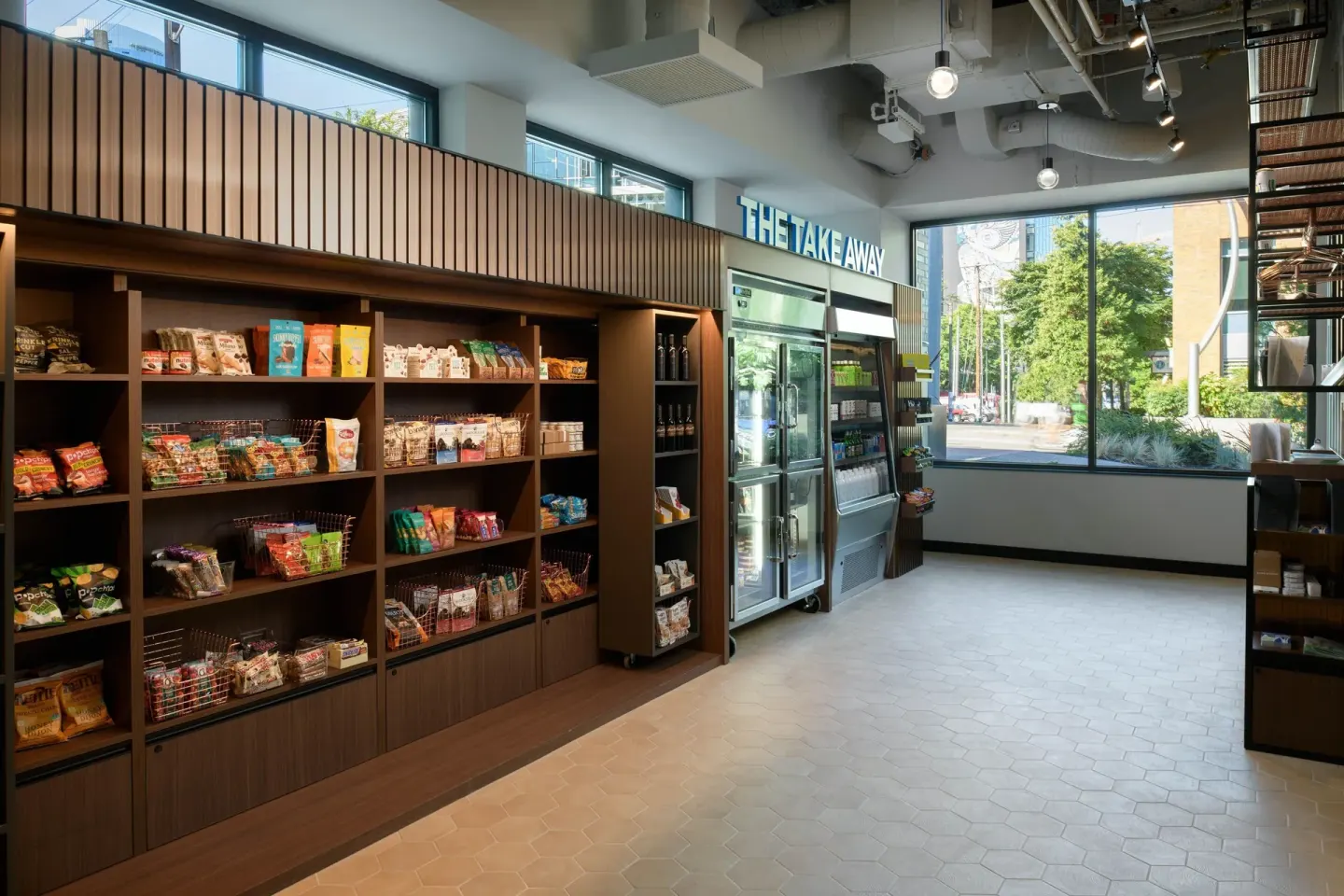
- Robot delivery: sealed retail/amenity items from hotel stock only
- Staff support: Guest Services coordinates exceptions
| Order type | Likely delivery method |
|---|---|
| Prepared hot entrée from Otium | Pickup at Otium stand |
| Packaged snack or amenity | Sparky robot delivery or staff handoff |
| Drinks from Caffè Ladro (lobby) | Pickup at the café counter |
What to expect at arrival and in your room
Check-in begins at 3:00 PM and check-out is at 12:00 PM (noon). If you have Marriott Bonvoy elite status, some timing or room assignments may vary based on availability; special requests go through Guest Services.
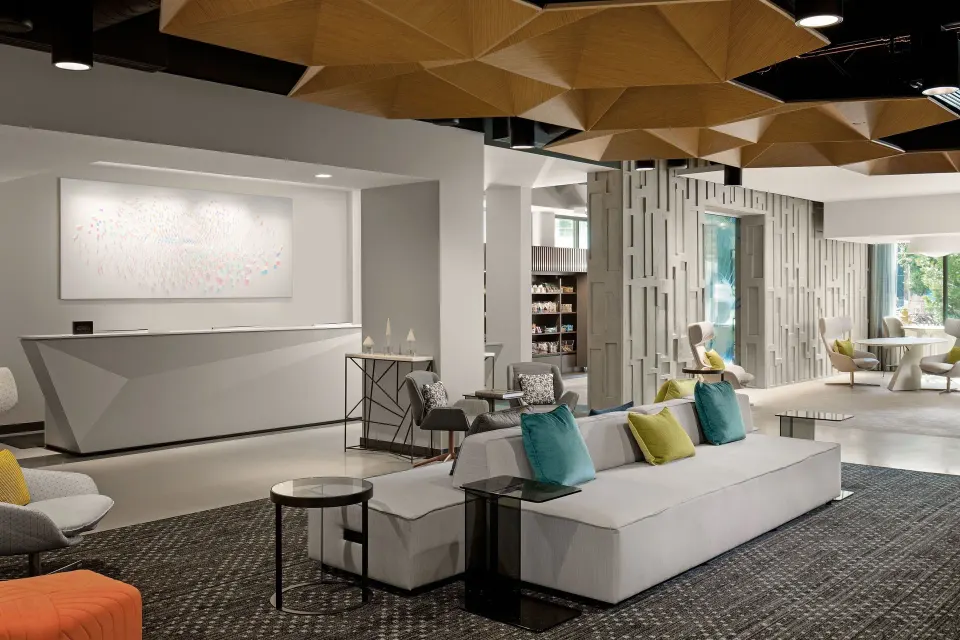
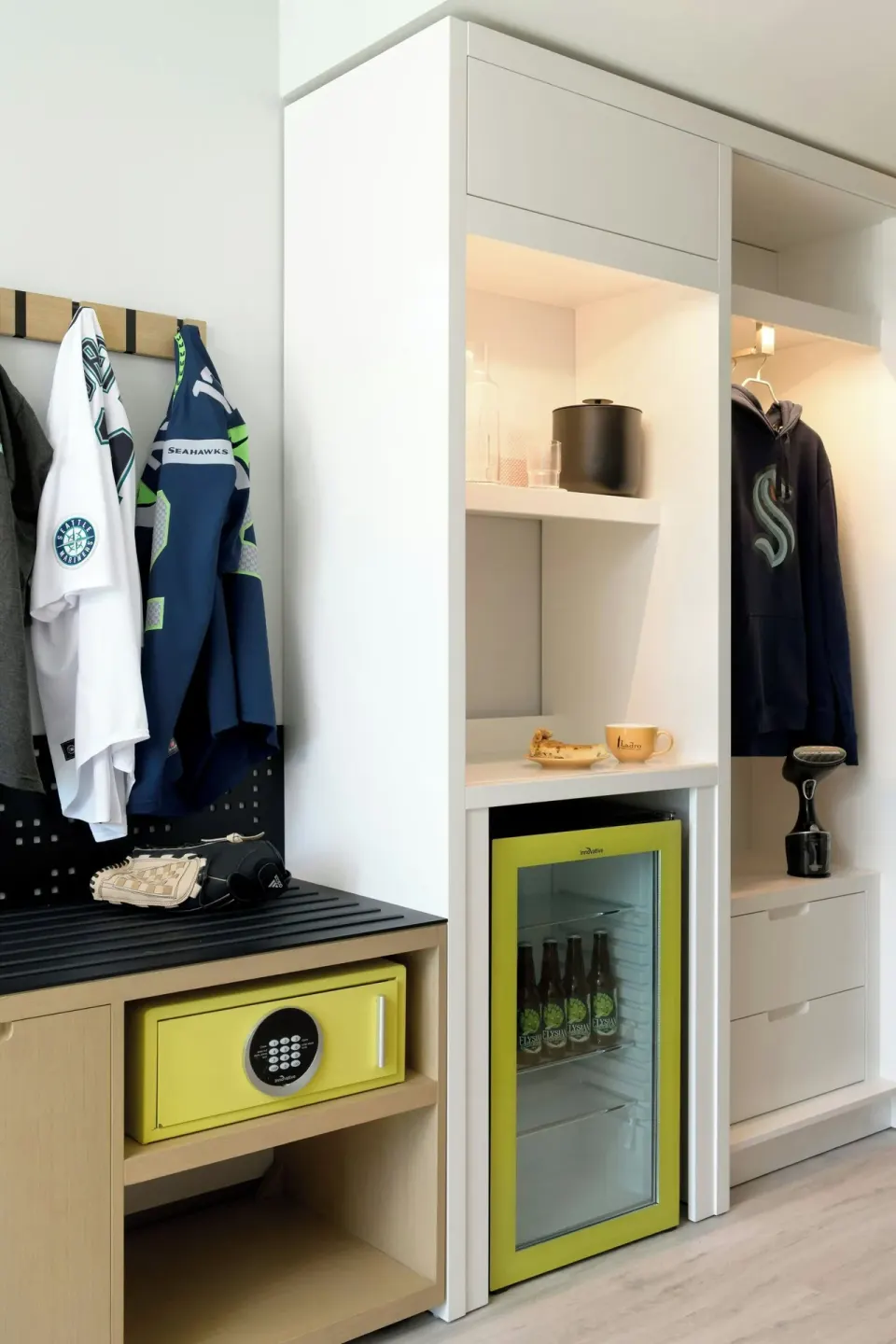
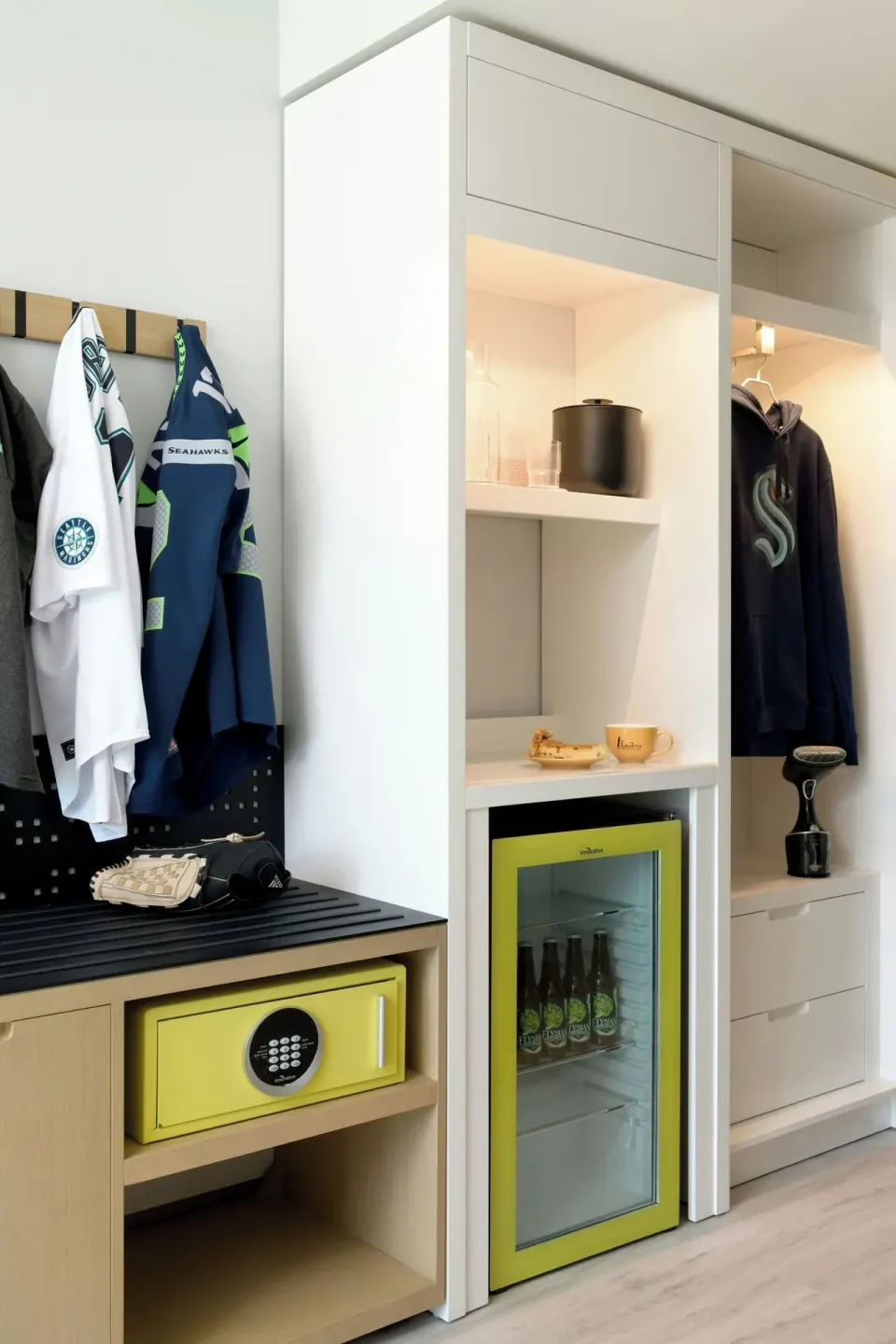
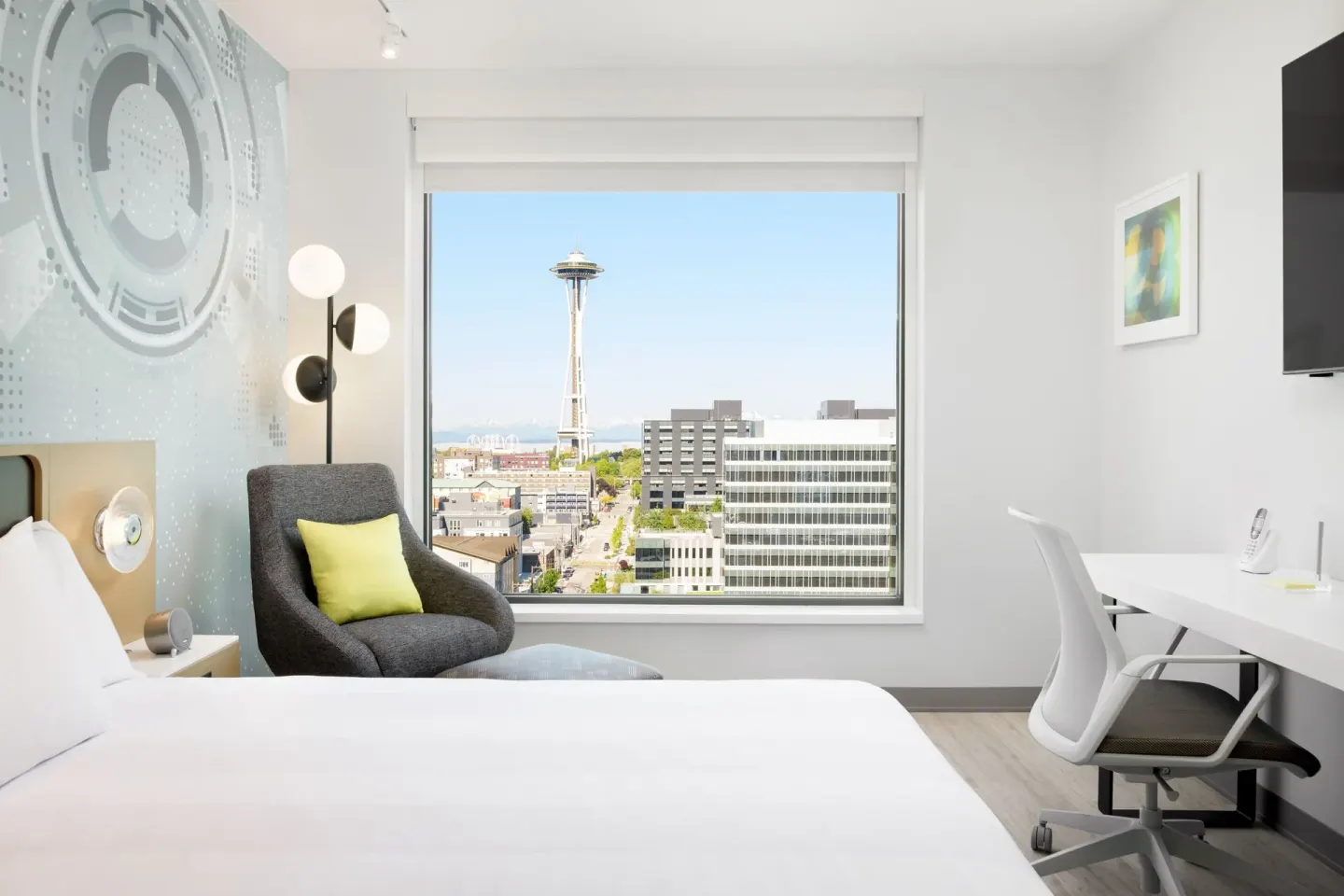
Rooms include complimentary Wi‑Fi, a mini-fridge, Keurig coffee maker, handheld clothing steamer, ionic hairdryer, laptop safe, and in-room digital controls such as one-touch blackout shades and programmable doorbells. If you need a specific room type, request it when you book or through Guest Services — for example Premier Room, 1 King Bed (View) or Space Needle View, Corner Room.
If you use mobile check-in and the hotel requires an incidental deposit, the hotel will take a refundable hold on a credit card at check-in; policies on the amount may vary and are handled at the front desk.
- Common room names to request exactly: Premier Room, 1 King Bed (View); Space Needle View, Corner Room; Deluxe Room, 1 King Bed - No Resort Fees
- Complimentary amenities: Wi‑Fi and fitness center access
- Payment: hotel is cashless and accepts major credit cards
| Service | How to request |
|---|---|
| Late/early check-out | Ask Guest Services (subject to availability) |
| Robot delivery for amenities | Contact Guest Services or use app request |
| Mobile order pickup | Follow Marriott Bonvoy app instructions |
Practical tips and etiquette for tech-driven service
When Sparky or staff deliver to your door, follow hotel guidance for contactless pickup: retrieve items promptly and keep corridors clear for the robot and staff. If you have accessibility needs, tell Guest Services so staff can provide a human handoff.
Reserve ALTITUDE Sky Lounge and Otium tables in advance when possible — ALTITUDE requires reservations — and use the app or the restaurant booking links if you prefer to avoid queues. For café orders at Caffè Ladro, use the counter or ask staff about mobile options.
If something is missing or damaged from a delivery, contact Guest Services immediately; they will coordinate replacements or refunds according to hotel policy.
- Keep hallway areas clear for Sparky’s path
- Notify Guest Services of accessibility needs or special delivery instructions
- Use the Marriott Bonvoy app for the fastest mobile check-in and mobile ordering experience
| Situation | Best action |
|---|---|
| Robot arrives but you’re not at the door | Call Guest Services to reschedule delivery |
| You need a late meal | Order via app and pick up at Otium or ask Guest Services about alternatives |
| Digital key won’t activate | Visit or call the front desk for a physical key |